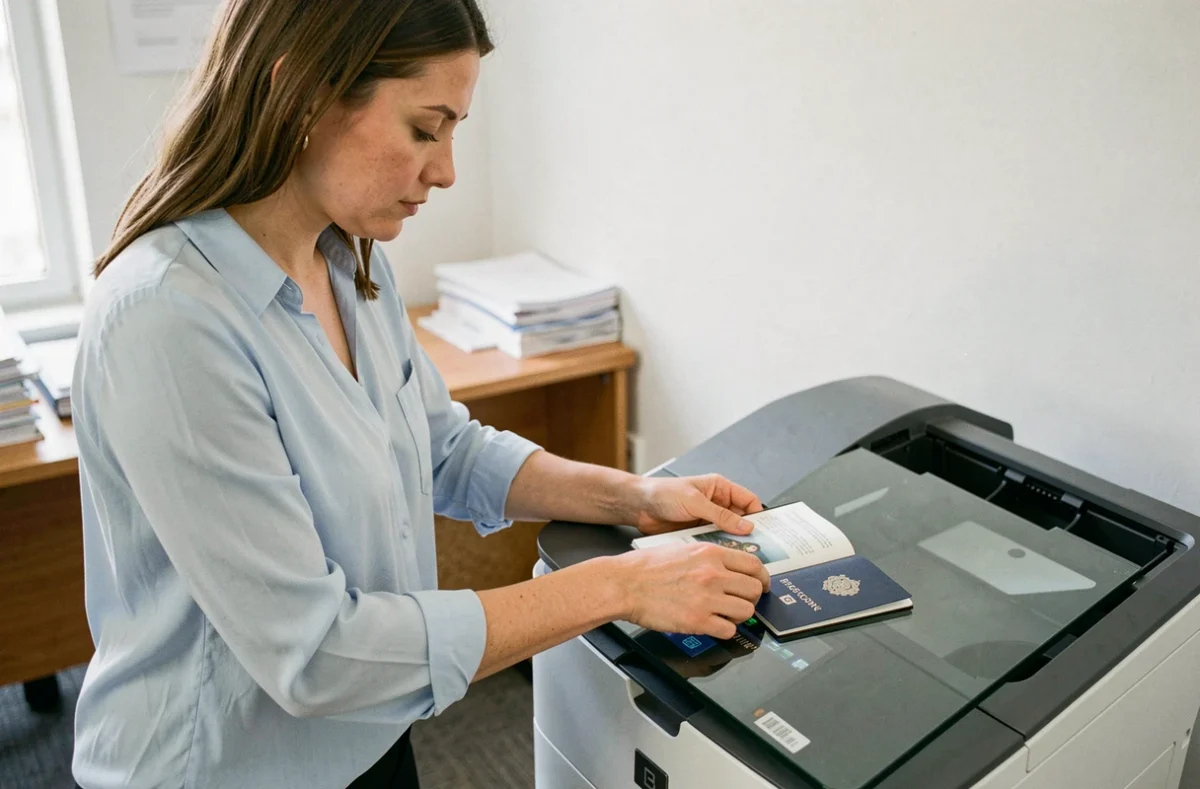
Photocopying a passport is not just about reproducing any page on an A4 sheet. The identity page of the passport, which carries the photo and personal information, is the reference document requested by almost all administrations, consulates, and airlines. Depending on the context (visa application, report of loss abroad, administrative file), other pages may be required, particularly those containing entry stamps or valid visas.
Data Protection and Passport Photocopying
Before reproducing a passport, the legal framework question must be raised. The reflex to photocopy the entire document exposes one to a risk that is often underestimated: the dissemination of sensitive personal data.
Recent legal content reminds us that the principle of data minimization also applies to copies of identity documents. In practice, only the information strictly necessary for the ongoing process should be reproduced. If an organization requests only the identity page, photocopying visa pages or blank pages serves no purpose and increases the risk in case the copy is lost.
Some specialists even recommend masking unnecessary information (passport number, signature) when the recipient does not need it. Knowing which page to photocopy on a passport also means knowing what not to copy.
Biometric Identity Page: What It Contains and Why It Suffices in Most Cases
The identity page of a biometric passport contains several blocks of information:
- The holder’s photograph, name, first names, date and place of birth, gender
- The passport number, date of issue, expiration date, and issuing authority
- The machine-readable zone (MRZ), consisting of two lines of characters at the bottom of the page, readable by scanners at border checkpoints
This page concentrates all the necessary data to identify the holder and verify the validity of the document. In case of loss or theft abroad, it is this copy that the consulate requests as a priority to issue a travel document or emergency passport.
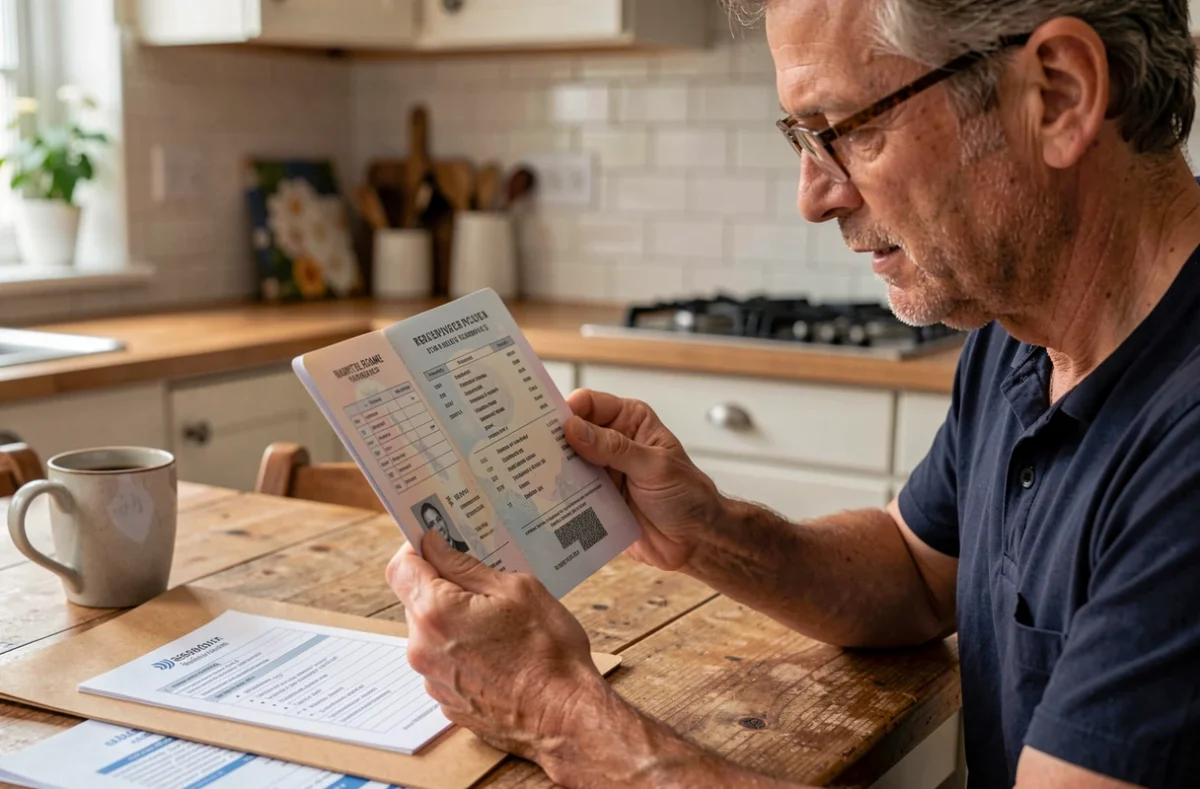
A clear photocopy of the identity page covers most situations: report of theft, hotel check-in in certain countries, rental file, or additional proof during a check.
Visa Pages and Stamps: When Reproducing Them Becomes Necessary
For certain procedures, the identity page alone is not sufficient. Visa applications for China, for example, require a copy of the identity page as well as all pages containing previously obtained visas or entry and exit stamps.
The logic is simple: the consulate evaluates the travel history of the applicant. Blank pages do not interest them, but each previous stamp or visa is a part of the file.
Other situations justify photocopying beyond the identity page:
- Travel insurance files in case of a claim, where proof of stay (entry stamps) may be required
The practical rule: systematically check the requirements of the receiving organization before photocopying. An incomplete Chinese visa file can lead to a refusal, while an overloaded file with blank pages slows down processing.
Scanning or Paper Photocopy: File Format and Quality
The distinction between physical photocopy and digital copy has lost some clarity. The dematerialized processes of the ANTS now impose a digital submission of supporting documents, with specific quality criteria.
A blurry scan, too dark, or poorly cropped will be rejected by the platform. The quality of the transmitted file is as important as the choice of the right page. To achieve a usable result without a dedicated scanner, a recent smartphone is sufficient as long as a few constraints are respected: plain and contrasting background, even lighting, tight framing on the page without cast shadows.
The PDF format remains the most reliable for online procedures, as it preserves the readability of the MRZ and fine characters. JPEG is suitable for personal backup use, but its compression can degrade details.
Some municipalities remind that no printing of electronic documents is done at the town hall. Therefore, one must arrive with photocopies already prepared, in addition to the originals. This logistical detail, rarely mentioned, can result in a missed appointment if the file is incomplete.
Storing and Transporting Passport Copies While Traveling
Having a copy is only valuable if it remains accessible when needed. Two common-sense rules apply.
The paper copy should never be stored in the same place as the original passport. If the bag containing both is stolen, the value of the copy disappears. Keeping a copy in a separate bag or entrusted to a travel companion reduces this risk.
The digital copy stored in a secure cloud service remains accessible from any connected device, even after the theft of all personal belongings. An encrypted PDF file in a messaging app or a storage space protected by a password offers a sufficient level of security for an identity document.
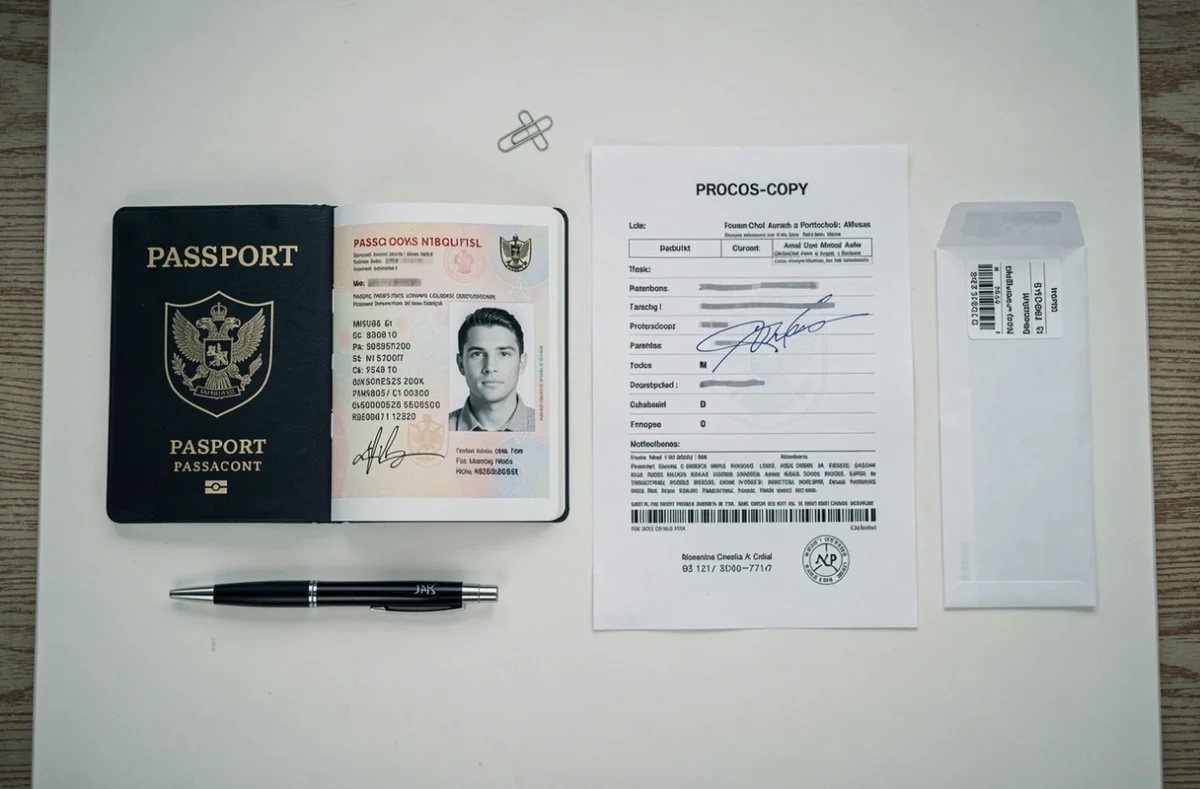
Carrying a paper copy in your luggage and keeping a digital version accessible remotely covers the two most common scenarios: physical loss and loss of access to devices. The nearest French consulate will be able to use either to expedite the issuance of an emergency document, provided that the identity page is readable and complete.